On this page
- The problem: leads and customer details are scattered
- What is CRM? A plain-language introduction
- Why this problem exists
- The traditional approach: spreadsheets, inboxes and memory
- Limitations of disconnected tools
- The modern approach: one connected customer record
- Feature breakdown: what a CRM actually contains
- Step-by-step workflow: from visitor to repeat customer
- A real-world example
- Benefits of a well-run CRM
- Things to consider before choosing a CRM
- Common CRM mistakes
- CRM implementation checklist
- Comparison table: ways to manage leads
- Frequently asked questions about CRM and lead management
- Related guides and further learning
- Your educational next step
The problem: leads and customer details are scattered
A new enquiry arrives through a website form. Another comes in as a phone call, a third as a direct message, and a fourth as an email to a personal address. Someone writes the details in a notebook, someone else pastes them into a spreadsheet, and a week later nobody is sure who replied to whom. The business is not short of interest. It is short of organisation.
This is the core problem that customer relationship management (CRM) addresses. When contact details, conversation history and next steps live in different places, three things tend to happen: follow-up is late or forgotten, the same person is contacted twice by different colleagues, and the owner cannot answer simple questions such as "how many enquiries did we get last month, and how many became customers?"
What is CRM? A plain-language introduction
CRM stands for customer relationship management. It refers to the practices, and usually the software, a business uses to record who its customers and prospects are, what has happened between them, and what should happen next. A CRM is best understood as a shared memory for the business. Instead of relying on individual inboxes and recollection, every interaction is attached to a contact record that anyone with permission can open.
What is lead management?
Lead management is the discipline of handling potential customers from first contact until they either buy or drop out. It covers capturing the lead, recording where it came from, deciding whether it is a good fit, following up, and tracking the outcome. CRM software is the tool; lead management is the process the tool supports.
What is contact management?
Contact management is the narrower job of storing and maintaining information about people: name, email, phone number, company, notes, and communication history. A contact can be a lead, a customer, a supplier or a partner. Good contact management prevents duplicates and keeps details current.
Why this problem exists
Businesses rarely start with a system. They start with a phone, an inbox and enthusiasm. As they grow, each new channel (a website form, a social profile, a booking page, an advertising campaign) adds another place where enquiries can land. Nobody decides to fragment customer information; it happens by accumulation.
Three underlying causes are common:
- Channels multiply faster than processes. Adding a form is easy. Deciding who owns the response, how quickly, and where the record lives is harder, so it often goes undecided.
- Ownership is unclear. When several people can reply, everyone assumes someone else has.
- Memory does not scale. A founder may remember fifty relationships. Nobody remembers five hundred, and staff turnover erases what was remembered.
The traditional approach: spreadsheets, inboxes and memory
Most businesses begin with one of these methods, and they are not wrong for a small volume of leads.
A spreadsheet offers a row per person and columns for status and notes. It is flexible, familiar and free. An email inbox doubles as an informal CRM: search for a name and you can find the history. Some teams use shared documents or notebooks for call notes. Others depend on the owner's memory.
These methods work while volume is low and one person handles everything. They struggle when a second person joins, when leads arrive outside office hours, or when the business wants to measure results.
Limitations of disconnected tools
Even when a business adopts several good tools, disconnection creates friction. A form plugin stores submissions in one place, an email tool keeps subscribers in another, a calendar holds bookings, and invoices sit in accounting software. Each tool has its own version of the customer.
Typical consequences include:
- Duplicate and conflicting records. "Jon Smith" in one tool and "Jonathan Smith" in another are the same person, but nothing links them.
- Manual copying. Someone exports a list and imports it elsewhere, which is slow and error-prone.
- Blind spots. A salesperson calls a lead who has just complained by email, because the complaint is not visible in their tool.
- Weak reporting. Answering "which source produces customers, not just enquiries?" requires stitching several exports together.
- Compliance risk. If a person unsubscribes in one tool but remains in another, they may still receive messages.
Connected tools, through integrations or a single platform, reduce these gaps. Neither approach is automatically better; what matters is that the customer record is consistent.
The modern approach: one connected customer record
The modern approach centres on a single record for each person, to which every interaction attaches: form submissions, emails, texts, calls, bookings, payments, notes and tasks. Marketing, sales and service then work from the same picture.
Around that record sit a few structural ideas: a pipeline that shows where each opportunity stands, automation that handles routine follow-up, and reporting that summarises results. These can come from one integrated platform or from several tools linked by integrations. The trade-offs are covered in the comparison table below.
Feature breakdown: what a CRM actually contains
Contact and lead records
Each record holds standard fields (name, email, phone, address), a source (where the person came from), an owner (who is responsible), and a timeline of interactions. The timeline is the most valuable part: it turns "I think we spoke last month" into a dated history.
Custom fields
Standard fields never cover everything. Custom fields let a business store what matters to it: a property type for an estate agent, a dietary preference for a caterer, a renewal date for an insurance broker. Use them for information you will genuinely filter or report on, not for everything you can imagine.
Tags
Tags are lightweight labels such as "newsletter", "quote-sent" or "event-attendee". They make segmentation quick. The risk is sprawl: fifty inconsistent tags become unusable, so agree on a naming convention early.
Lead qualification
Lead qualification decides whether a lead is worth pursuing now. Businesses usually look at fit (is this the kind of customer we serve?), need, budget, authority and timing. Some CRMs support scoring, where points are added for signals such as a completed form or a booked call. Scoring is a prioritisation aid, not a verdict. Our explainer on how lead qualification works covers the common frameworks.
Lead nurturing
Not every lead is ready to buy on first contact. Nurturing means staying helpful and relevant over time: sending useful information, answering questions and checking in at sensible intervals. In a CRM, nurturing is normally supported by scheduled tasks or by automated email and text sequences.
Opportunities and pipeline stages
An opportunity is a specific potential sale linked to a contact, often with a value and expected close date. A sales pipeline is the ordered set of stages an opportunity passes through, for example: New enquiry, Contacted, Qualified, Proposal sent, Negotiation, Won, Lost. Stages should describe what has happened, not what you hope will happen, so that the pipeline stays honest.
Sales pipeline management
Managing a pipeline means reviewing it regularly: which opportunities are stuck, which have no next step, and which stage loses the most people. A kanban board view (cards moving across columns) makes this visible at a glance.
CRM automation
Automation performs repetitive actions when something happens: assign a new lead to a team member, send an acknowledgement, create a follow-up task, or move a stage when a proposal is opened. Our guide to workflow triggers and actions explains the building blocks.
CRM dashboards
A dashboard summarises key figures: new leads, leads by source, pipeline value by stage, conversion between stages, and response times. The best dashboards are short. Choose a handful of measures that lead to decisions.
CRM vs spreadsheet
A spreadsheet is a fine starting point and a poor long-term system. It lacks a built-in interaction timeline, permission controls, automated reminders and reliable audit history. A CRM is worth considering when more than one person handles leads, when response time matters, or when you need reliable source reporting.
CRM vs multiple disconnected tools
A CRM does not have to replace every other tool; it has to be the place where the customer record is reliable. Some businesses achieve that by integrating specialist tools with a central CRM. Others prefer a platform that bundles CRM with forms, messaging, scheduling and payments to reduce the number of connections to maintain.
How an integrated CRM works
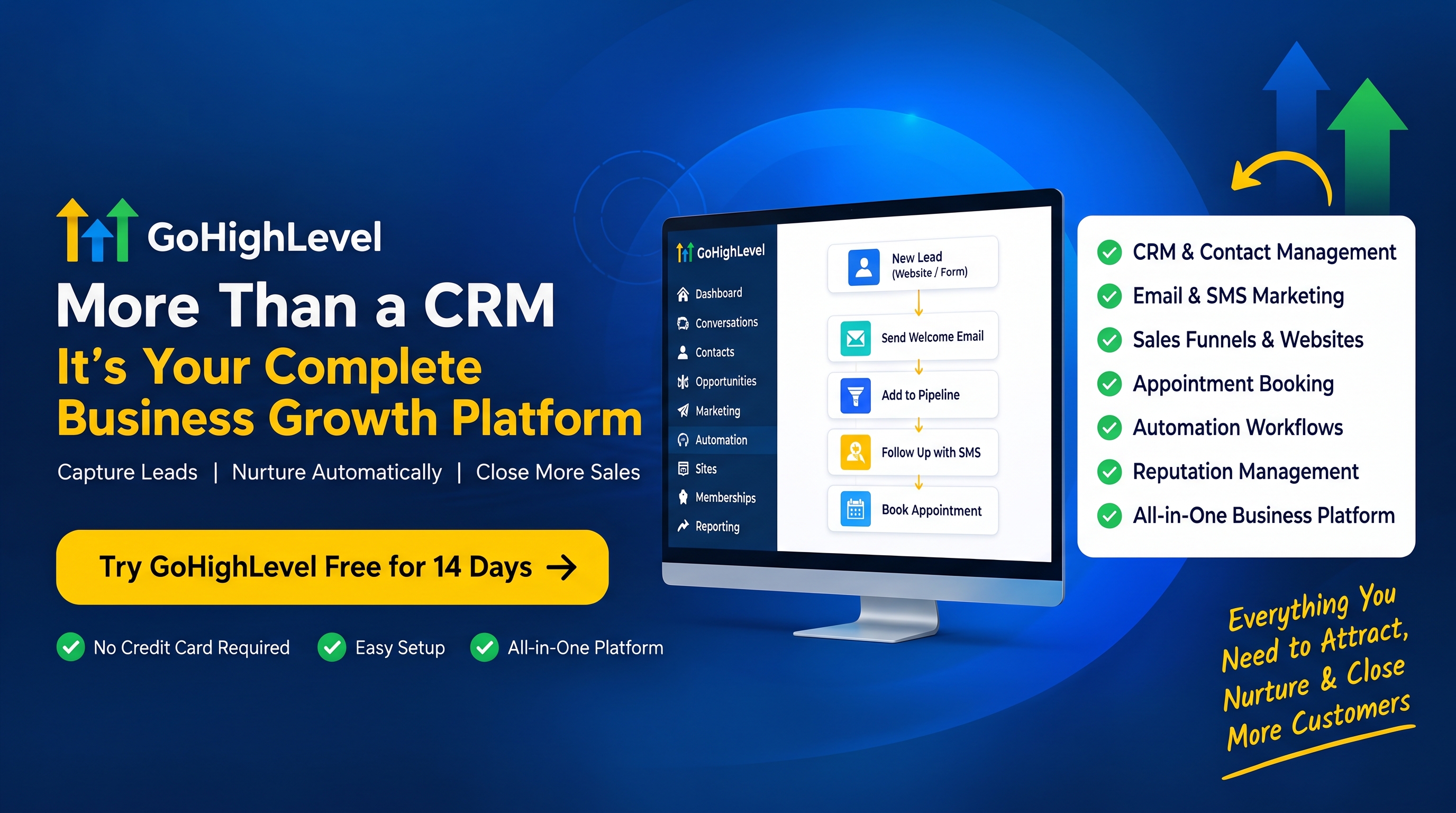
In an integrated CRM, features such as forms, email, text messaging, calendars and payments write to the same contact record automatically. When a website form is submitted, the contact is created, tagged, assigned and, if configured, sent an acknowledgement, without copying data between systems. Depending on the platform and plan, some of these capabilities may be built in and others may require add-ons or third-party connections, so confirm current details in the vendor's documentation.
Step-by-step workflow: from visitor to repeat customer
The stages below are a typical journey. Your version may skip or rename some.
- Visitor
- Lead
- Contact
- Qualified lead
- Sales opportunity
- Appointment
- Customer
- Repeat customer
- Visitor. Someone arrives at your website or profile. Nothing is recorded yet, apart from anonymous analytics if you use them.
- Lead. They submit a form, call, or send a message. A record is created with the source noted.
- Contact. The record is completed and checked for duplicates. Consent to be contacted is recorded.
- Qualified lead. Someone reviews fit and need, by reading the form answers or making a short call, and marks the lead qualified or not.
- Sales opportunity. A qualified lead becomes an opportunity with a value and a stage in the pipeline.
- Appointment. A consultation, demo or site visit is booked and linked to the record.
- Customer. The opportunity is won, payment is taken, and the record is updated to customer status.
- Repeat customer. After delivery, follow-up, feedback and renewal reminders keep the relationship active.
A real-world example
Consider a small landscaping company with three staff. Enquiries arrive by web form, phone and a social page. Before using a CRM, the owner noted them in a notebook and the office manager kept a spreadsheet. Quotes were sent late because nobody saw new enquiries until the next morning.
They introduce a simple pipeline: New enquiry, Site visit booked, Quote sent, Won, Lost. Every source creates a contact automatically or is entered by hand within the hour. A rule assigns each new lead to the estimator for that postcode area and creates a task to respond the same day. After a quote goes out, a reminder prompts a follow-up in three days.
The result is not magic. It is consistency: nobody is forgotten, the owner can see at a glance what is waiting, and at month end the business can count enquiries by source and see how many became jobs. That is what "lead management" looks like in practice.
Benefits of a well-run CRM
- A single source of truth for who the customer is and what has happened.
- Faster, more consistent follow-up, because tasks and reminders replace memory.
- Better handovers, since a colleague can pick up any record and understand it.
- Clearer reporting on sources, conversion between stages and workload.
- Reduced duplication of effort and of messages sent to the same person.
These are potential benefits, not guarantees. A CRM amplifies good process and exposes poor process; it does not create discipline on its own.
Things to consider before choosing a CRM
- Who will use it every day? A system that suits an owner-operator may not suit a ten-person sales team.
- How much data do you have? Check how you would import existing contacts and export them later.
- Which channels must connect? List forms, email, text, calendars and payment tools, then confirm which are built in and which need integration.
- Permissions and privacy. Decide who may see or export what, and how you would honour a deletion request.
- Total cost. Pricing models vary: per user, per contact, per message or bundled. Features and pricing change, so check current terms and consider growth.
- Support and training. A tool nobody understands will not be used.
Common CRM mistakes
- Buying software before defining the process. Write down your stages and ownership rules first.
- Too many pipeline stages. More than seven or eight usually means people stop updating them.
- Overusing custom fields and tags. Every field must earn its place.
- Poor data entry habits. If updating the CRM feels optional, the data will decay.
- Ignoring duplicates. Merge them regularly.
- Automating too early. Automate a process only after it works manually.
- Treating lead score as truth. Scores guide attention; they do not replace judgement.
CRM implementation checklist
- List every channel through which leads arrive today.
- Agree on a single definition of "lead", "qualified lead" and "customer".
- Design a pipeline with a small number of clear stages.
- Decide who owns each stage and the target response time.
- Define the custom fields and tags you will use, and how they are named.
- Import existing contacts, remove obvious duplicates and record consent status.
- Connect forms and other capture points so records are created automatically.
- Set up basic automation: assignment, acknowledgement, follow-up tasks.
- Build one short dashboard with three to five measures.
- Train the team, then review the pipeline together every week for the first month.
Comparison table: ways to manage leads
| Approach | Best suited to | Strengths | Limitations |
|---|---|---|---|
| Memory and notebooks | Solo owners with very few leads | Zero cost, no setup | Not shareable, easily forgotten, no reporting |
| Spreadsheet | Small teams, low volume | Flexible and familiar | No automatic timeline, weak permissions, manual reminders |
| Several specialist tools, manually linked | Businesses with existing tool preferences | Best-of-breed features in each area | Duplicate records, copying between tools, harder reporting |
| Specialist tools connected by integrations | Teams with technical support | Retains preferred tools; data flows automatically | Integrations can break; more to maintain |
| Integrated CRM platform | Teams wanting fewer moving parts | One record, shared reporting, fewer connections | May not match every specialist feature; check plan limits and lock-in |
Frequently asked questions about CRM and lead management
Is a CRM only for large businesses?
No. Solo operators and small teams often benefit most because they have the least time to waste on searching for information. The key is choosing something proportionate to your volume and skills.
What is the difference between a lead and a contact?
A contact is any person you keep details for. A lead is a contact who has shown interest in buying. Many CRMs store both in the same list, with a status or tag showing which is which.
What is the difference between a lead and an opportunity?
A lead is a person who might buy. An opportunity is a specific potential sale, usually with a value and stage, created once the lead is qualified.
How many pipeline stages should I have?
Enough to reflect real decision points, and few enough that people update them honestly. Five to seven is a common range, but your sales process should decide.
Can a spreadsheet be enough?
For a handful of leads handled by one person, yes. Consider a CRM when several people share leads, when timing matters, or when you need reliable reporting.
Does a CRM make me compliant with privacy law?
No. A CRM can help you store consent, honour deletion requests and control access, but compliance depends on how you collect and use data. Seek qualified advice for your situation.
Should I choose an all-in-one platform or separate tools?
There is no universal answer. All-in-one platforms reduce the number of integrations to maintain; specialist tools may offer deeper features in one area. Test with your real workflow.
Related guides and further learning
Related category guides
Sales Funnels
Learn how funnel stages, pages, forms, checkout and follow-up guide people from first interest to a customer.
Marketing Automation
Learn how triggers, actions and conditional logic automate follow-up, onboarding, reminders and retention.
Conversations & Communication
Learn how email, text, phone, chat and social messages can be managed as one conversation per customer.
Supporting explainers
- How Lead Qualification WorksLearn how lead qualification works, including common frameworks such as BANT, what to ask, how scoring helps and the mistakes that waste sales time.
- How Workflow Triggers and Actions WorkUnderstand how automation workflows are built from triggers, conditions and actions, with examples, design tips and common mistakes to avoid.
- How to Evaluate Business Software Before You CommitA vendor-neutral method for comparing CRM, automation and marketing platforms: requirements, trials, data portability, pricing models, support and lock-in.
Practical guide and glossary
- A Practical Lead Follow-Up ProcessA practical, step-by-step process for following up new leads consistently: response targets, sequence design, ownership, tasks and review, with a printable checklist.
- Glossary: CRM (customer relationship management)A plain-language definition you can refer back to while reading.